
Inventory is the single biggest asset on most retailers' balance sheets — and the easiest place for money to quietly disappear. A rack of unsold products is cash you cannot use. A stockout on a fast-selling item is revenue you did not earn.
Here are five habits that prevent the most common inventory problems in Pakistani retail businesses. These are not theory — they are patterns we see working across 2,000+ Sabify deployments.
1. Do a weekly spot check
You do not need to count every SKU every week. Pick 10-15 high-value or fast-moving items and count them manually. Compare the count to what your POS says you should have.
If the gap is more than 2%, something is wrong — and it is worth investigating now, not at year-end when the damage is already done.
Why this matters in Pakistan: Shoplifting, supplier shortfalls, and cashier errors are more common than most owners admit. A weekly check catches these patterns early.
Sabify POS gives you real-time stock levels from any device. You can run the comparison on your phone while standing in the shop — no paperwork needed.
2. Tag every item with a barcode
Even small retailers in Pakistan can buy pre-printed barcode labels for a few rupees per hundred. The time saved at checkout and during stocktakes is enormous, and it eliminates the most common cause of inventory errors: manually typing the wrong product code.
Sabify POS supports barcode scanning out of the box — including multiple barcodes per product and dynamic barcodes that encode price or weight. Pair it with a handheld scanner or simply use the camera on a mobile POS device like the V2s PLUS.
If you are still billing by typing product names, switching to barcode scanning alone will cut your checkout errors by 80% or more.
3. Set reorder points for your top products
For every product, define two numbers:
- Reorder point — when stock drops to this level, place a purchase order.
- Safety stock — how much extra you keep to absorb delays from suppliers.
A good POS system lets you set these per item and alerts you in real time when products are about to run out.
Practical example: If you sell 10 units of a product per day and your supplier takes 3 days to deliver, your reorder point is 30 units. Add safety stock of 15 units for delays, and reorder when stock hits 45.
Sabify includes automated low-stock alerts and purchase order management — so you never miss a reorder because someone forgot to check the shelf.
4. Separate dead stock from active stock
Stock that has been on the shelf for 90+ days without a sale is not inventory — it is a sunk cost. Run a quarterly report, mark dead stock clearly, and clear it out at a discount before it takes up valuable shelf space forever.
Common causes of dead stock in Pakistan:
- Over-ordering seasonal items (Eid clothing, wedding supplies)
- Buying bulk from suppliers without testing demand first
- Keeping products that were popular two years ago but are no longer moving
Sabify's inventory reports highlight slow-moving products automatically. You can filter by category, supplier, or date range to identify exactly which items are tying up your cash.
5. Reconcile purchases, not just sales
Most retailers track what goes out the door but pay less attention to what comes in. Match every goods-received note against the supplier's invoice before you approve payment.
Discrepancies caught within 48 hours are easy to fix. Discrepancies caught after 90 days rarely are.
This is especially important in Pakistan where informal supplier relationships sometimes mean deliveries arrive without proper documentation. A POS system that logs every purchase with supplier details, quantities, and costs protects you from both honest mistakes and intentional shortfalls.
Sabify's supplier management tools let you track every purchase order from placement to delivery, with automatic stock updates when goods arrive.
A quick win you can do today
If you do nothing else this week, set reorder points for your top 20 products by revenue. You will prevent more stockouts in the next month than any other change you could make.
Need help setting this up? Book a free demo and we will configure reorder alerts on your actual inventory — at your shop, on your products.
You can also read our guide on choosing the right POS system or explore Sabify's full POS features to see what else is possible.
Tags
Written by
Sabify Team
Retail Operations
Sharing practical insights on POS systems, retail technology, and business growth in Pakistan.
Frequently Asked Questions
How often should I check inventory in my retail store?
What is the best way to track inventory in Pakistan?
How do I handle dead stock in my Pakistani retail shop?
Related Posts
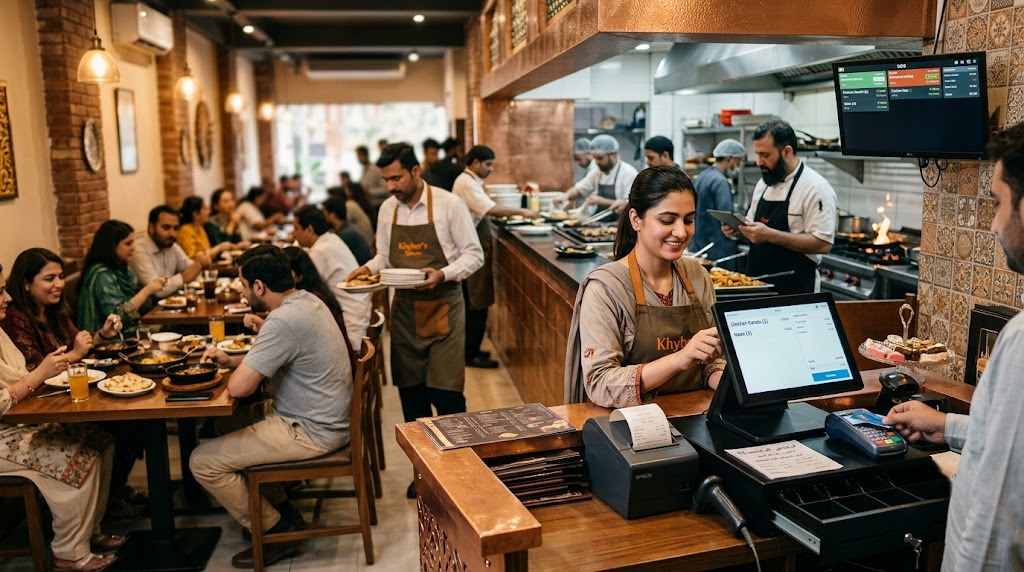 Restaurants
How POS Systems Transform Restaurant Operations in Pakistan
From table management to kitchen tickets to direct online ordering, a modern restaurant POS changes how every shift runs. Here is what the best Pakistani operators automate — and what they do not.
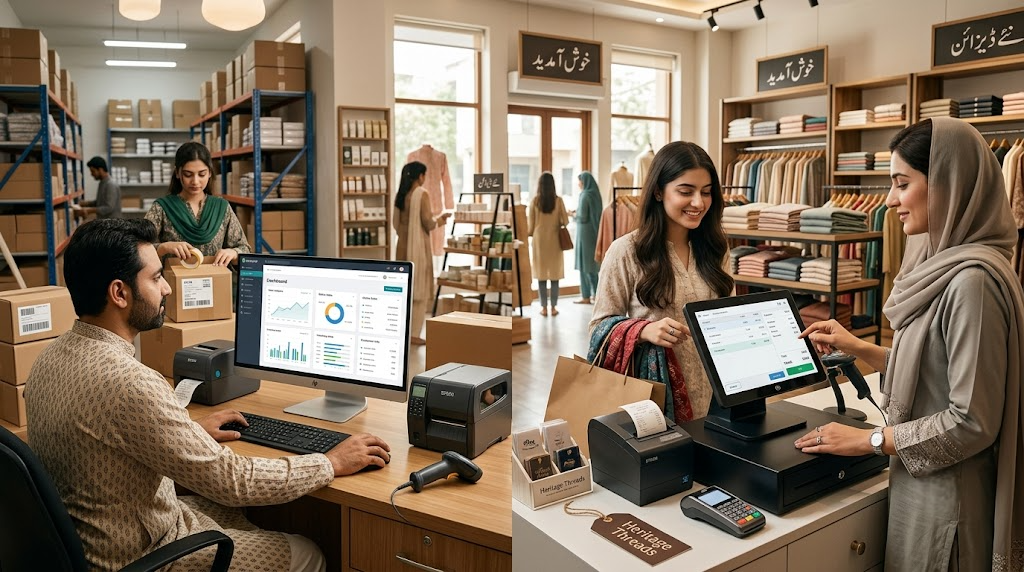 E-commerce
Shopify + ERP Integration: A Complete Guide for Pakistani Retailers
Selling on Shopify but managing stock in a POS or ERP? Here is how to connect them so inventory, orders, and customers stay in sync — no more overselling or manual updates.
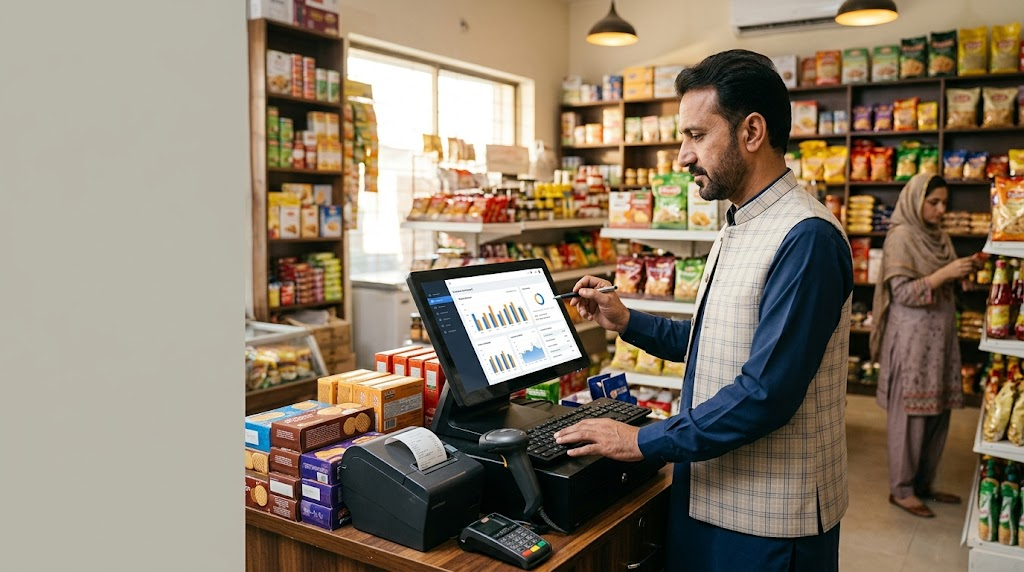 Business Tips
5 POS Reports Every Pakistani Small Business Owner Should Check Weekly
Most Pakistani businesses collect sales data they never look at. Here are five POS reports that, if reviewed every Monday morning, will quietly grow your revenue and profit margins.